Sandbox demos
Let people use your app before they sign up.
In one benchmark of business software, about 37 in 100 new sign-ups reach the step the company calls activated, and only about 19 in 100 finish an onboarding checklist.”
Userpilot, Product Metrics Benchmark Report
The company's own customer data, business software only. Each company defines its own activated step.
Read the sourceCaptured by browsing
Switch the Recorder to sandbox mode and use your app. Each page is taken by itself.
Real links and buttons
Every link and button on the page becomes a target that opens the page behind it.
Private details covered
The same hide rules as for steps cover private details before a picture is saved.
A link or a website code
Share one link, or put the sandbox on your site. A viewer cannot change your real app.
Made for teams who explain an app every day
Browse your app once
A page is taken after it loads and holds still. A single page app that changes its address without a load is caught too.
- Pages captured
- 6
- Time to capture them
- 20 seconds
- Size of each picture
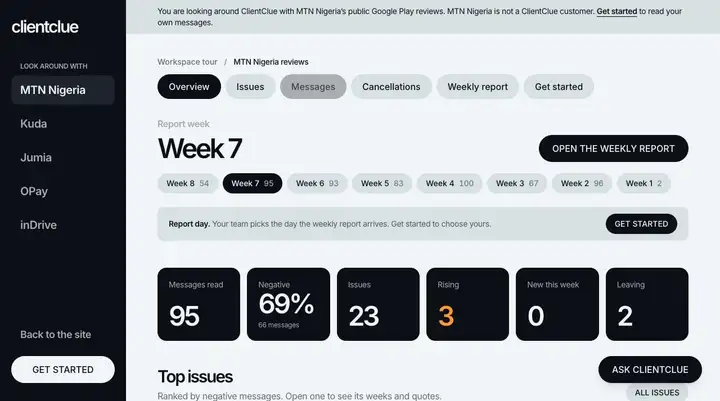
- 1280 x 2613
Measured on the real example above.
Every link and button is a target
Where a button goes is learned from what you clicked. A part that was not captured says so in a short note.
- Links and buttons found
- 146
- Open a captured page
- 37
- Say they are not in the sandbox
- 109
- Parts pressed with a mouse that went wrong
- 0 of 146
Measured on the real example above.
Private details are covered first
Covers are drawn before the picture leaves your computer. Links that look private are sent without their label.
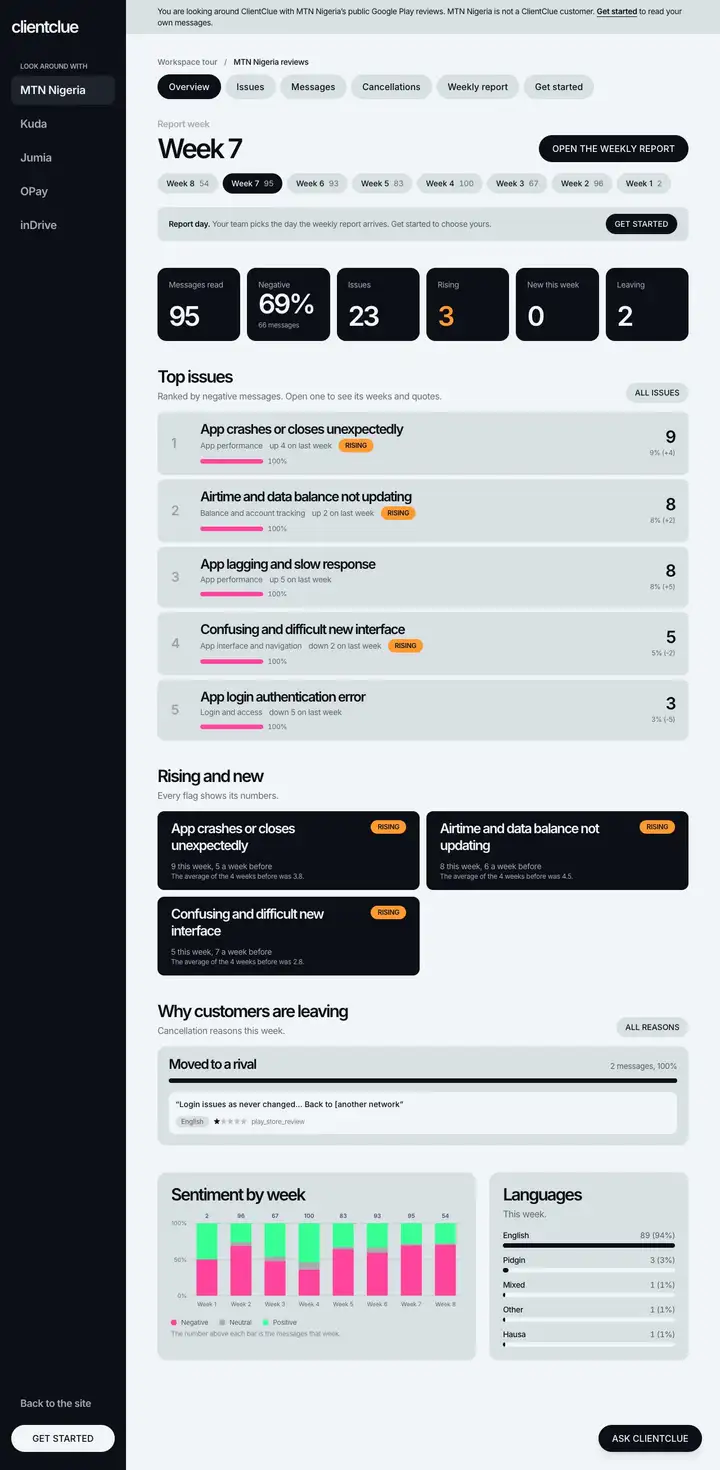
Viewers look around at their own pace
A bar has Back, Home and a list of pages. Show links outlines every part, and hints can point to the next one.
- Taps on a part's centre that landed
- 133 of 146
- Sideways scroll on a phone
- None
Measured on the real example above.
Light enough for a slow phone
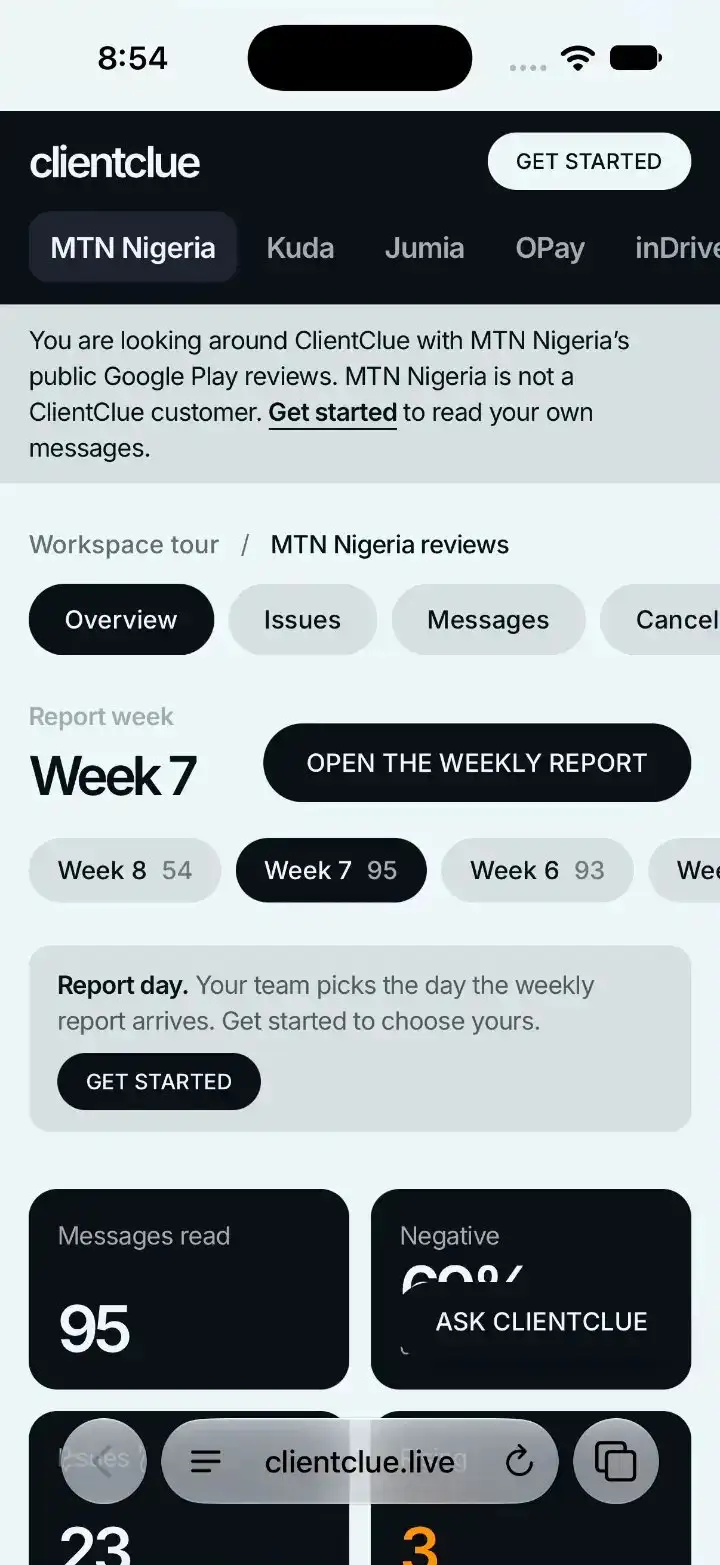
Pictures are made small for phones, and only the pages a page links to are fetched ahead of time.
- The viewer page
- 23.9 KB, 8.3 KB compressed
- The first picture
- 44 KB
- All pictures for a phone
- 253.2 KB
- First screen on a phone with slow data
- 1,146 ms
Measured on the real example above.
About the example
How the real example was made
Captured with the StepLoom Recorder in sandbox mode in Chrome, on ClientClue's public workspace tour (it shows MTN Nigeria's public Google Play reviews; MTN Nigeria is not a customer of ClientClue or StepLoom). ClientClue is a product by the same team that makes StepLoom, and the data shown is its public tour. The browser window was made as tall as the page so each picture shows the whole page. Links to other companies' tours, and to the sign-up page, were not captured, so they show a short note instead. The Recorder covered no private details because the public tour shows none.
Let people try the real thing, and see where they look.
Case study
StepLoom recording StepLoom
A real run, from the first click to the shared link, with every number measured.
A typical web page on a phone weighs more than 2 MB.”
Frequently asked questions
- No. It is a set of pictures with buttons over them. A viewer cannot change anything in your app.
- A short note says that part is not in the sandbox. The report counts those presses.
- No. The example is a public tour of a product by the same team, and it shows public reviews. It shows no customer.
- Sandbox demos are on Growth and up.