Phone Steps
Record your phone. Get a demo of the app.
About half of all web visits worldwide are on a phone.”
StatCounter Global Stats
Share of web visits by device, worldwide. The monthly figure moves, so we say about half.
Read the sourceAny phone app
Banking apps, delivery apps, field tools and more. If it runs on a phone, you can record it.
Screens found for you
The video is read in your browser and each new screen becomes a step.
Taps placed
StepLoom AI finds where the finger touched and puts the click spot there.
Private details hidden
Numbers, names and balances are found and covered on every step.
Made for teams who explain an app every day
Use the recorder on your phone
Android and iPhone both have one. Open the app, tap through the task and stop the recording.
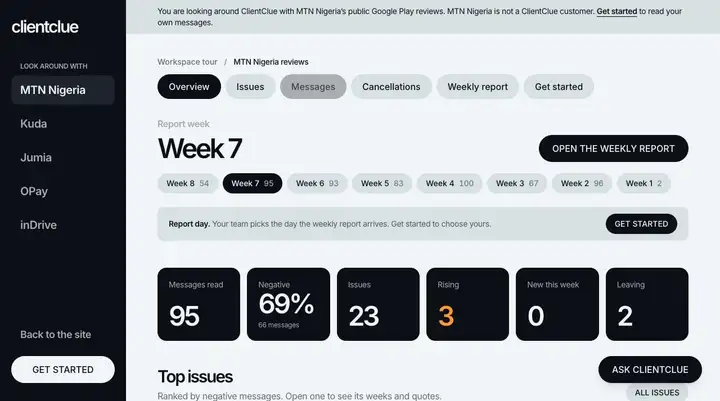
Each new screen becomes a step
The video stays in your browser while it is read. Only the chosen screens are uploaded.
The tap spot goes where the finger went
Where the recording shows a tap, the click spot is placed. Where it does not, you move it by hand.
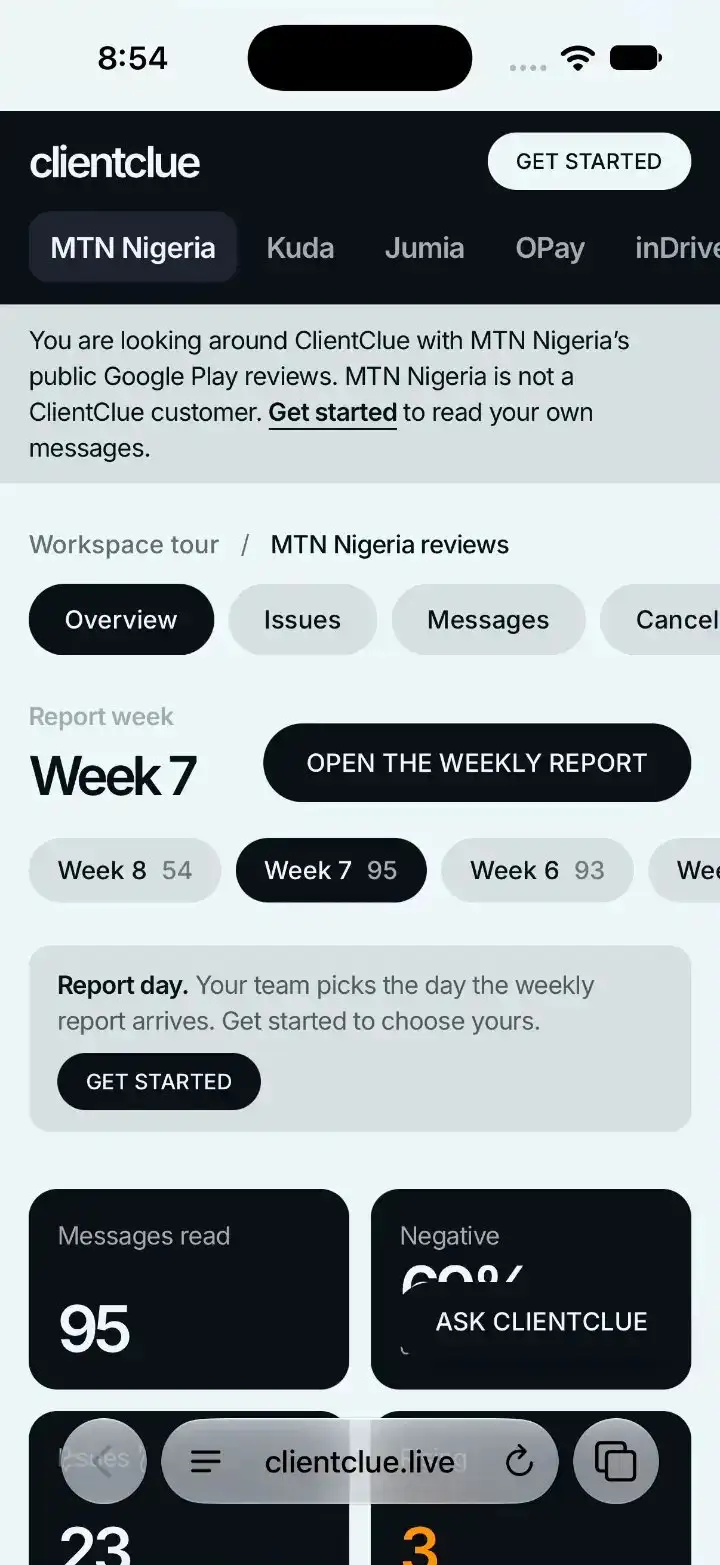
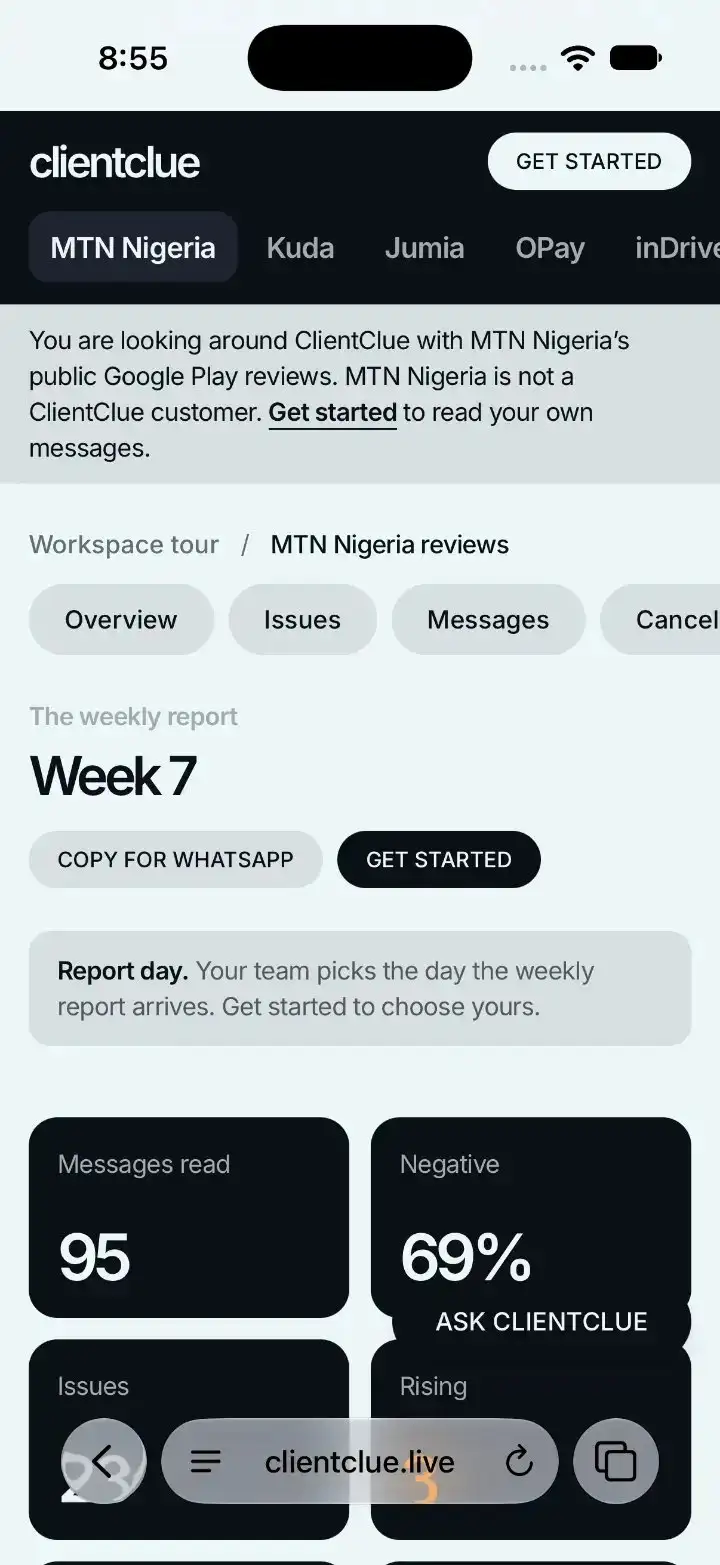
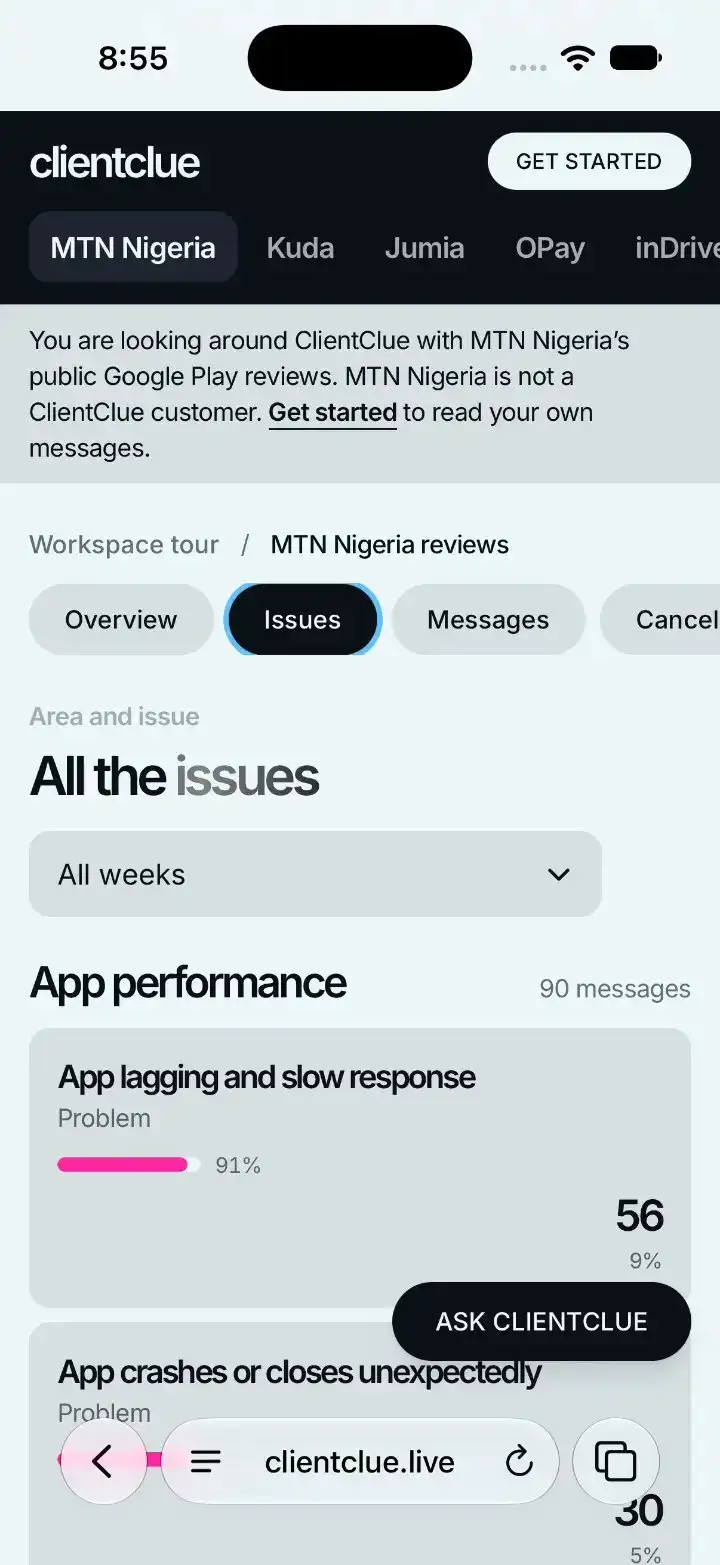
Captions in plain words
StepLoom AI writes a short title and one line for each step. You can change any of them.
Opens on any phone
The finished demo is a link. It opens in the browser on your customer's phone, no app to install.
Your customers are on phones. Your demo should be made from a phone.
Case study
StepLoom recording StepLoom
A real run, from the first click to the shared link, with every number measured.
Over 3 billion people live under a mobile signal and are still not online.”
GSMA, State of Mobile Internet Connectivity
The usage gap: 3.1 billion people, against 4.7 billion who use mobile internet.
Read the sourceFrequently asked questions
- Any phone with a screen recorder. Android and iPhone both have one.
- The video is read in your browser. Only the screens that become steps are uploaded.
- Drag the click spot to the right place in the editor. It takes a few seconds.
- Yes. Add screens from any source to the same demo.